Over the years, I have made a few hand-drawn Valentine's Day cards for my beloved wife,
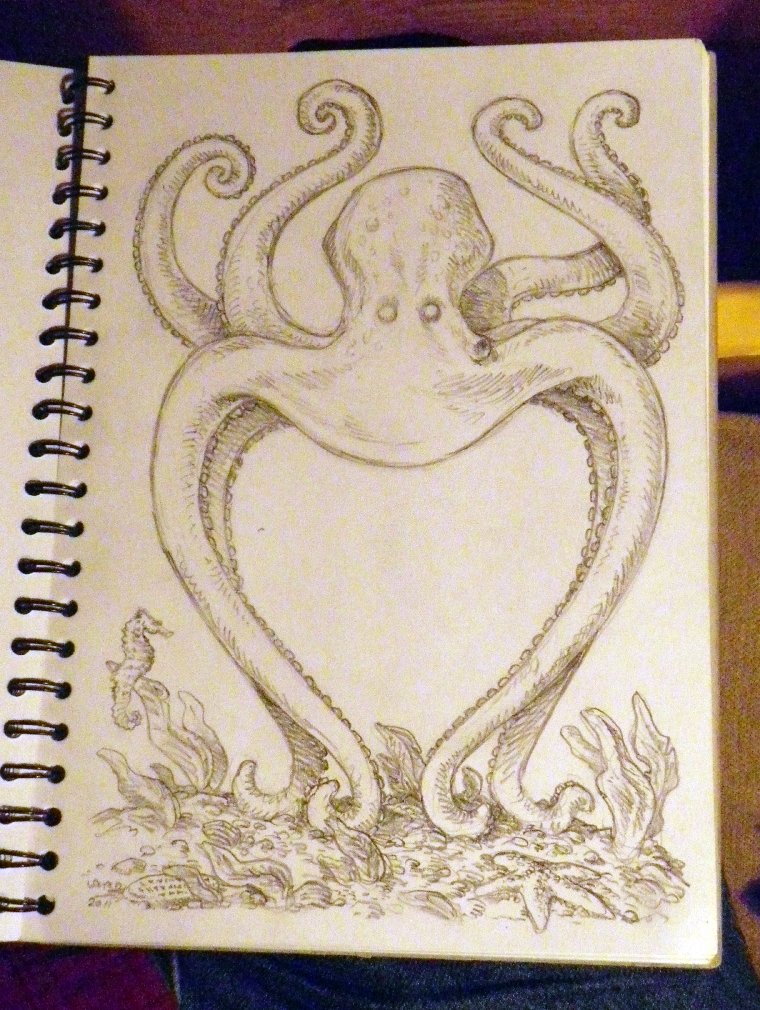
one of which I posted here some time back. This year I decided to continue the theme of our last Christmas card, and when I made that decision I almost instantly got the vision of what it should look like. So I got out my sketchbook and drew this:
I was originally planning to ink it, and then to watercolor the inked version, but for some reason I decided to try something a little different -- I would apply the watercolors over the pencils instead.
Or to be completely accurate, I would watercolor a COPY of the pencils. So down to Mirage Studios I went, to use the color copier there (it does pretty well with heavier paper stocks), and after some trial and error, had managed to get a pretty decent copy of the pencil drawing on a sheet of heavy card stock.
I got out my little watercolor set and after a few hours ended up with this:
I was pretty happy with the result, and -- because I am still not brave enough to try doing a background in watercolor -- I decided to go for a computer-aided background, like the Christmas card, with one difference. This time, I thought I would do a quick wash of some colors on a separate sheet, using the watercolors, and then scan that, and use it for the background that I would insert via Photoshop. This was the result, and it came out a little funky due to the way the paper buckled during the application of the watercolors. But it was okay.
While I like the result, I decided to mess around with it a little bit in Photoshop, adding a few different filter effects. This is the one I decided to use.
It was the work of a few more minutes to select the background areas of the octopus image and paste the filtered ocean background into it, and this was the result:
I am happy to report that Jeannine liked her card. -- PL